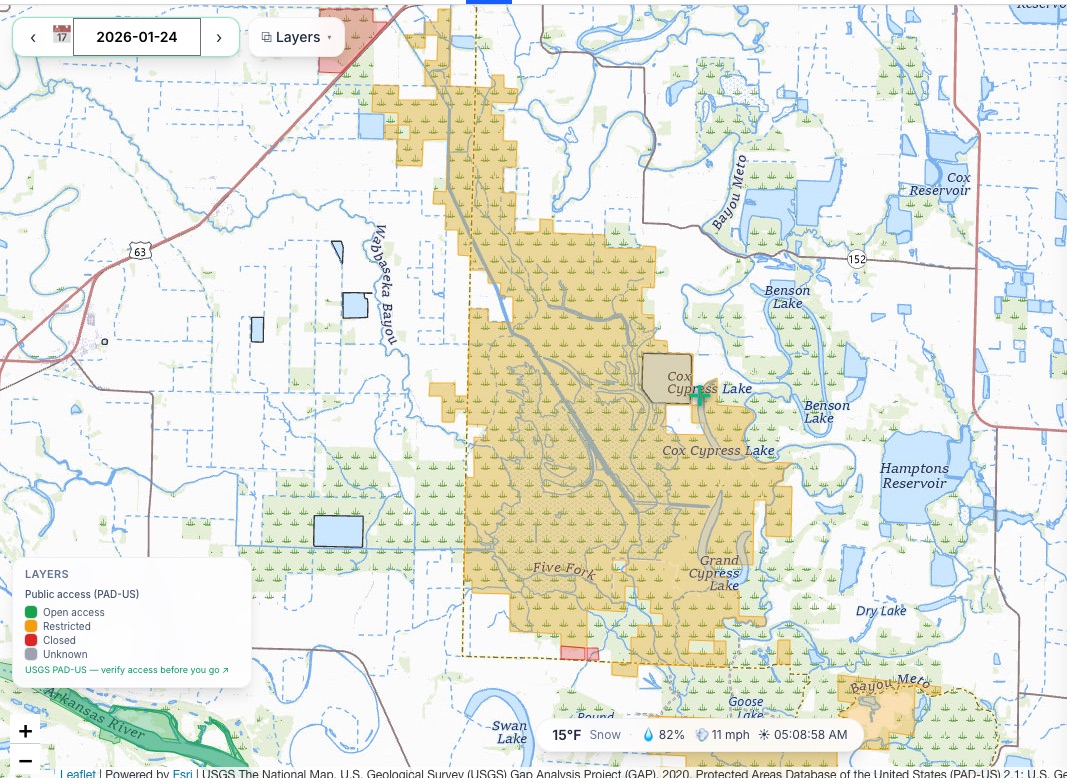
Other Map Layers
Weather overlays, plus wetlands and public-land boundaries.
Alongside waterfowl density, the map carries six weather overlays and two habitat layers. They stack, so you can run wind over wetlands over satellite imagery if that is the picture you need.
All of them live in ⧉ Layers in the top-left of the map. Each one you switch on adds its own entry to the map key in the bottom-left, so you always have a scale for the colours on screen.
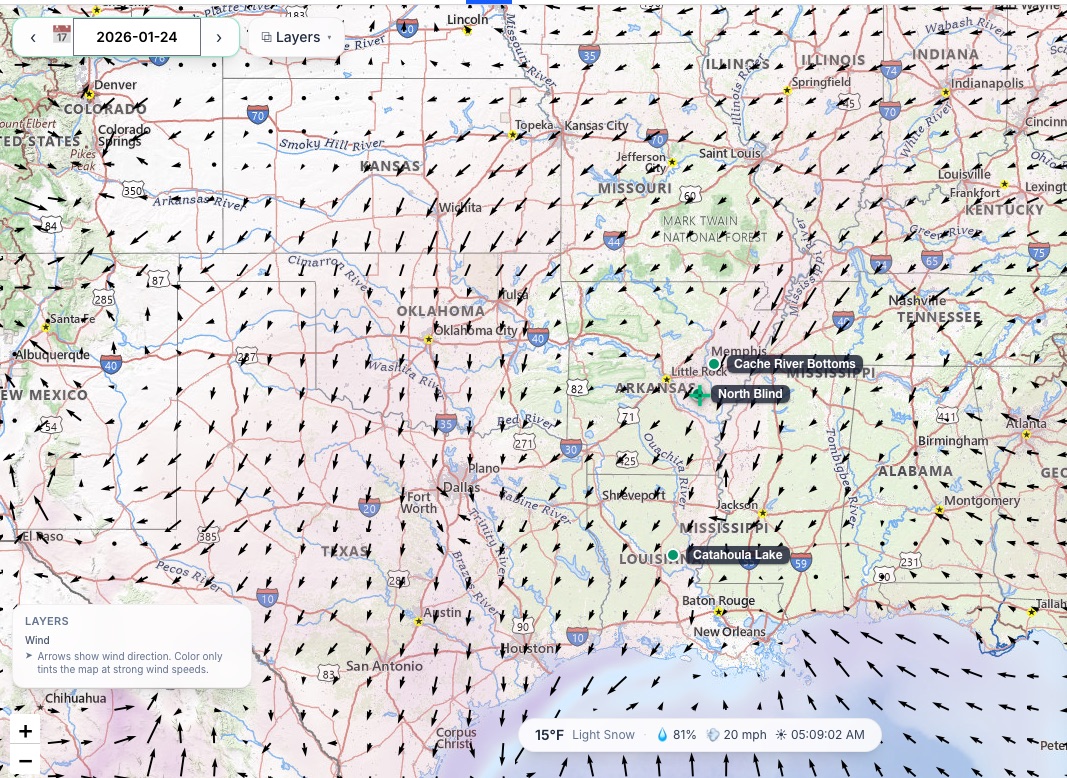
Wind
Wind speed and direction, drawn as arrows. Probably the single most useful overlay for deciding how to set up.
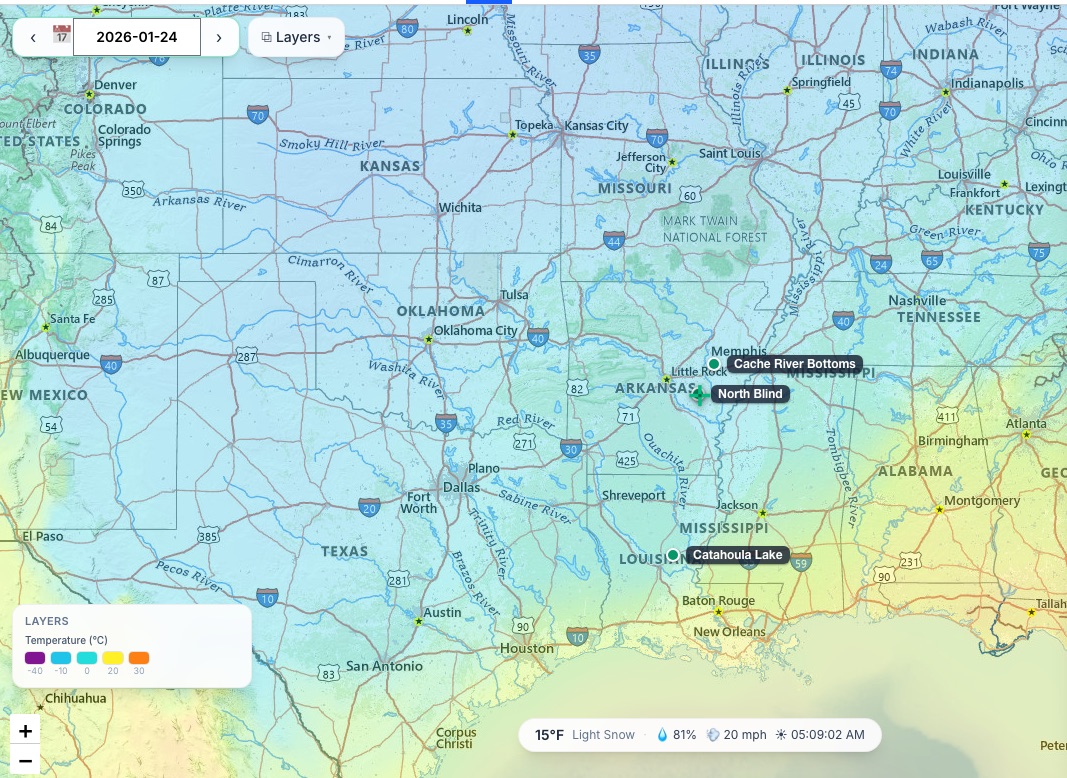
Temperature
Surface air temperature. Read it for the edge rather than the number: a hard freeze to the north is what pushes new birds down to you.
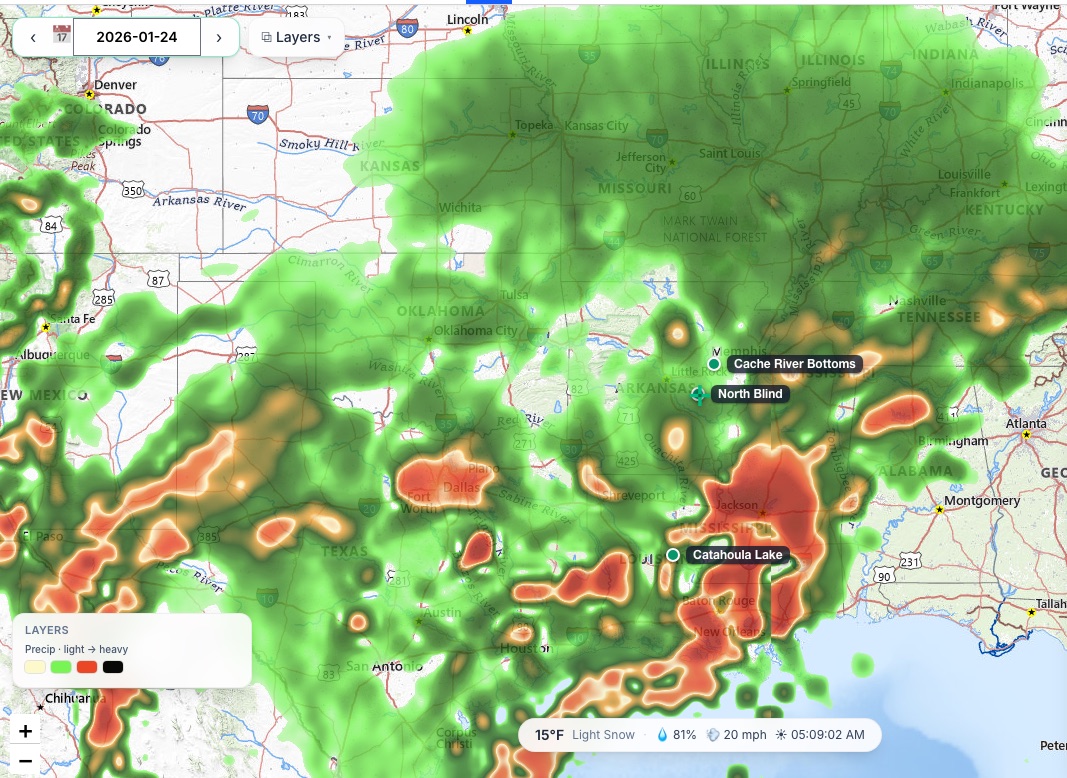
Precipitation
Precipitation intensity — where it is raining or snowing, and how hard.
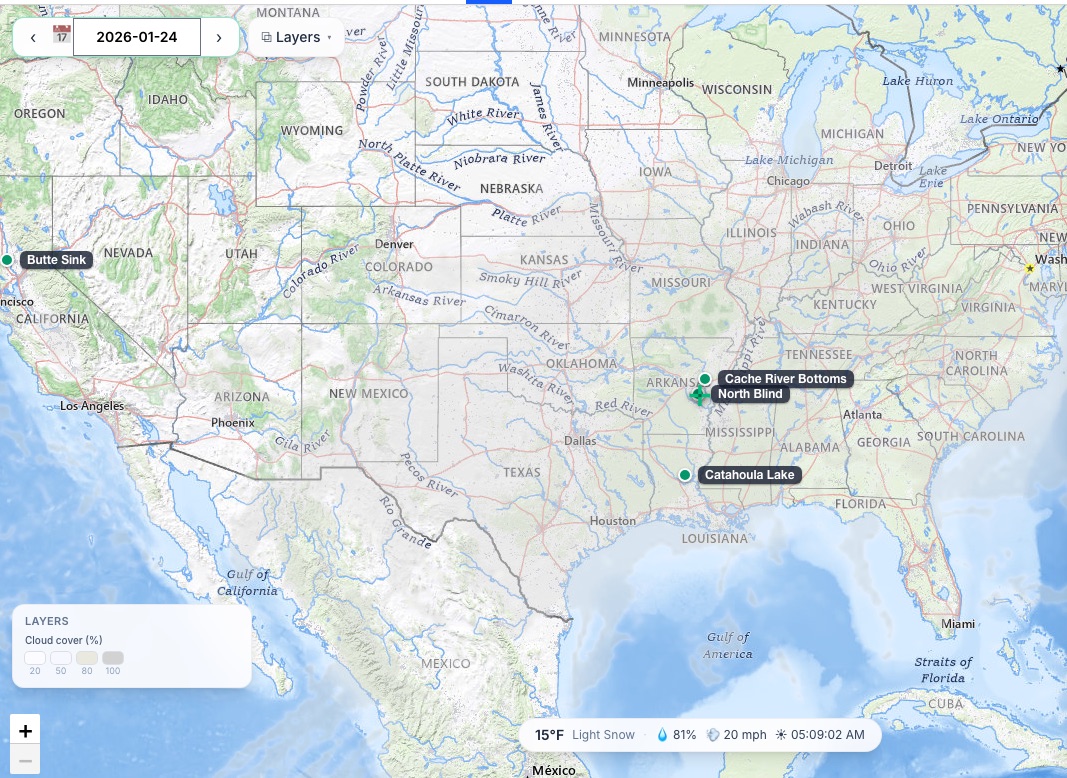
Clouds
Cloud cover percentage. Overcast mornings tend to keep birds moving lower and longer than bluebird days.
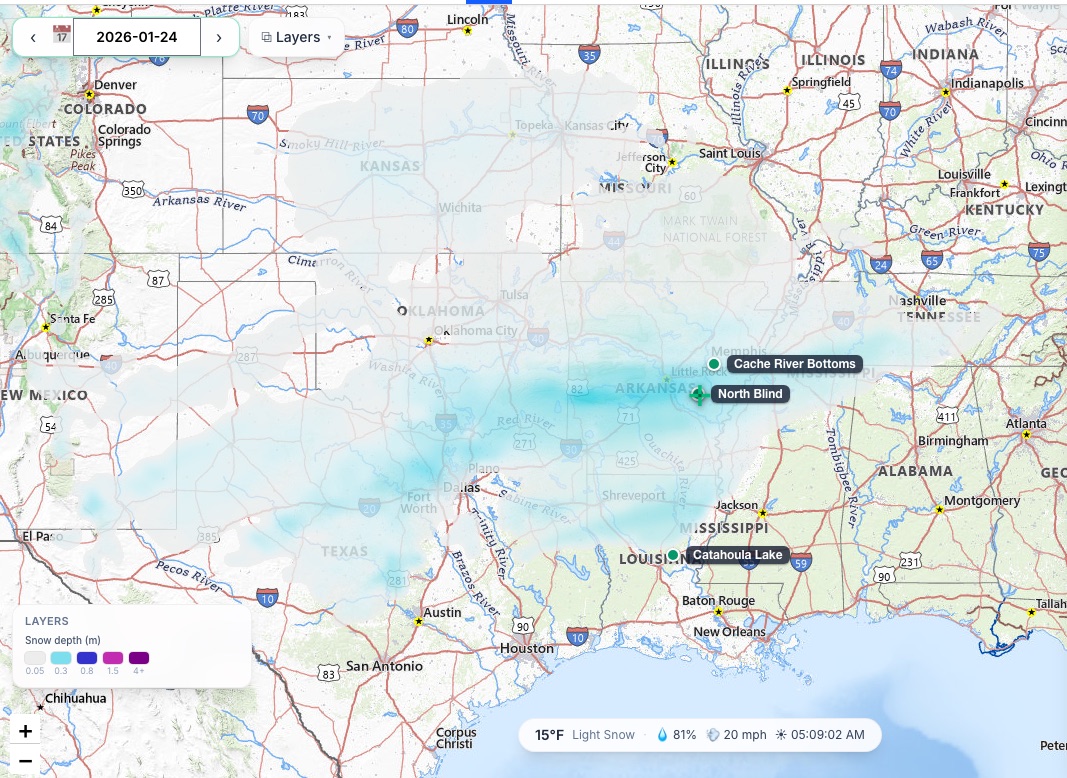
Snow
Snow depth. Snow cover to your north is one of the clearer signals that a push of new birds is on the way.
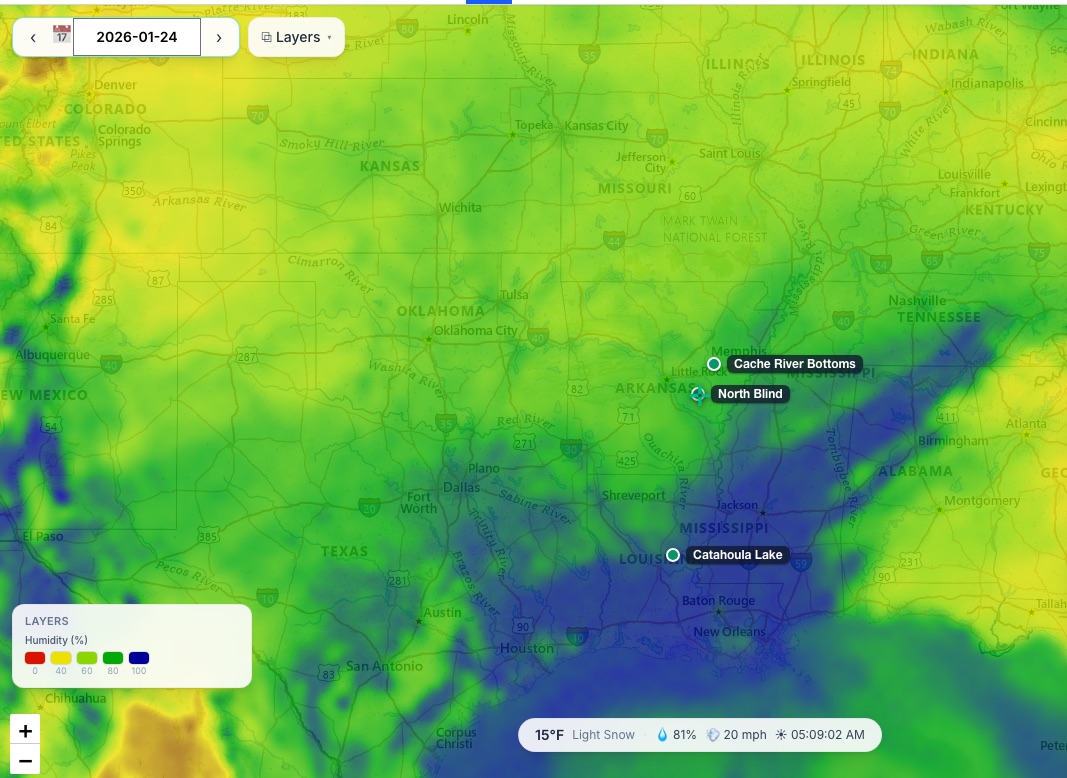
Humidity
Relative humidity. Most useful as a fog indicator — high humidity with a cold surface is the combination that can keep birds sat down.
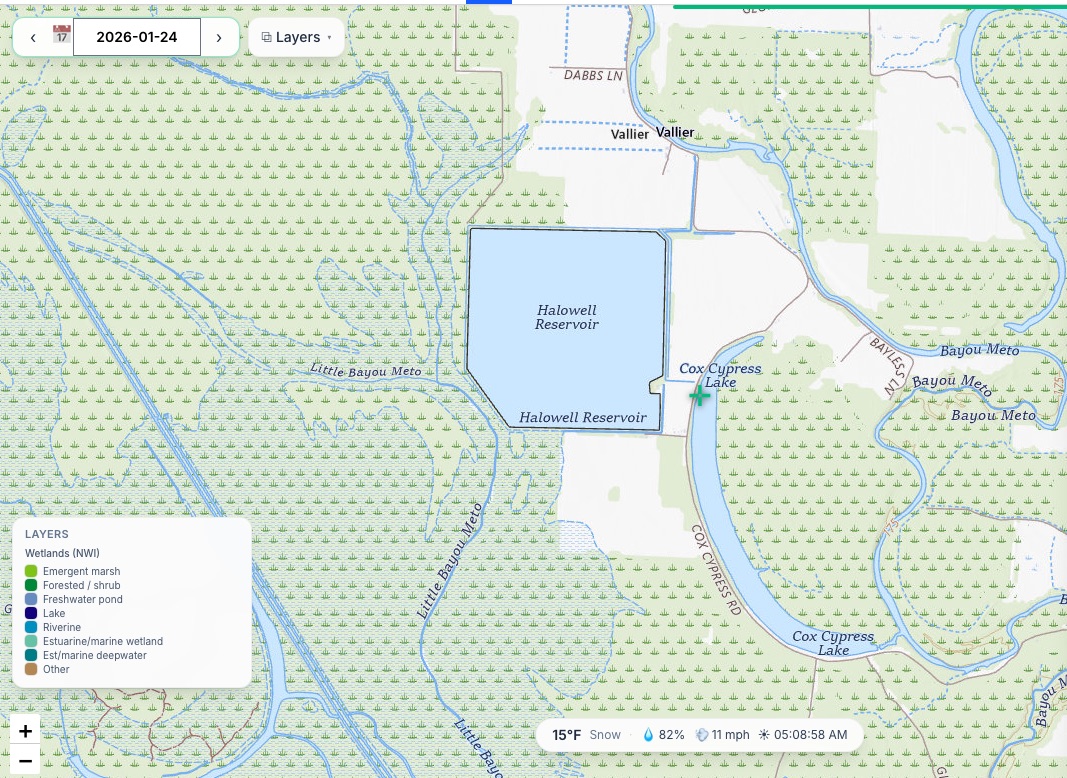
Wetlands (NWI)
National Wetlands Inventory boundaries. Unlike the weather layers this is not a forecast — it is a survey of what the habitat is.
Public land
Public land boundaries — where you may actually be able to hunt what you have found.
Tap any unit to see its roost activity for the night selected on the map. The Spots panel shows what share of the unit sat at each level, how much of it was Moderate or higher, and how many map squares the read covers. Each square is about 15 acres, so a small unit takes on the reading of the ground around it.
To browse a whole state's public land instead, see Public Lands.
Boundaries are a guide, not a legal record. Confirm access and regulations with the managing agency before you hunt.